

Create Circus Journal · Shopify & Ecommerce
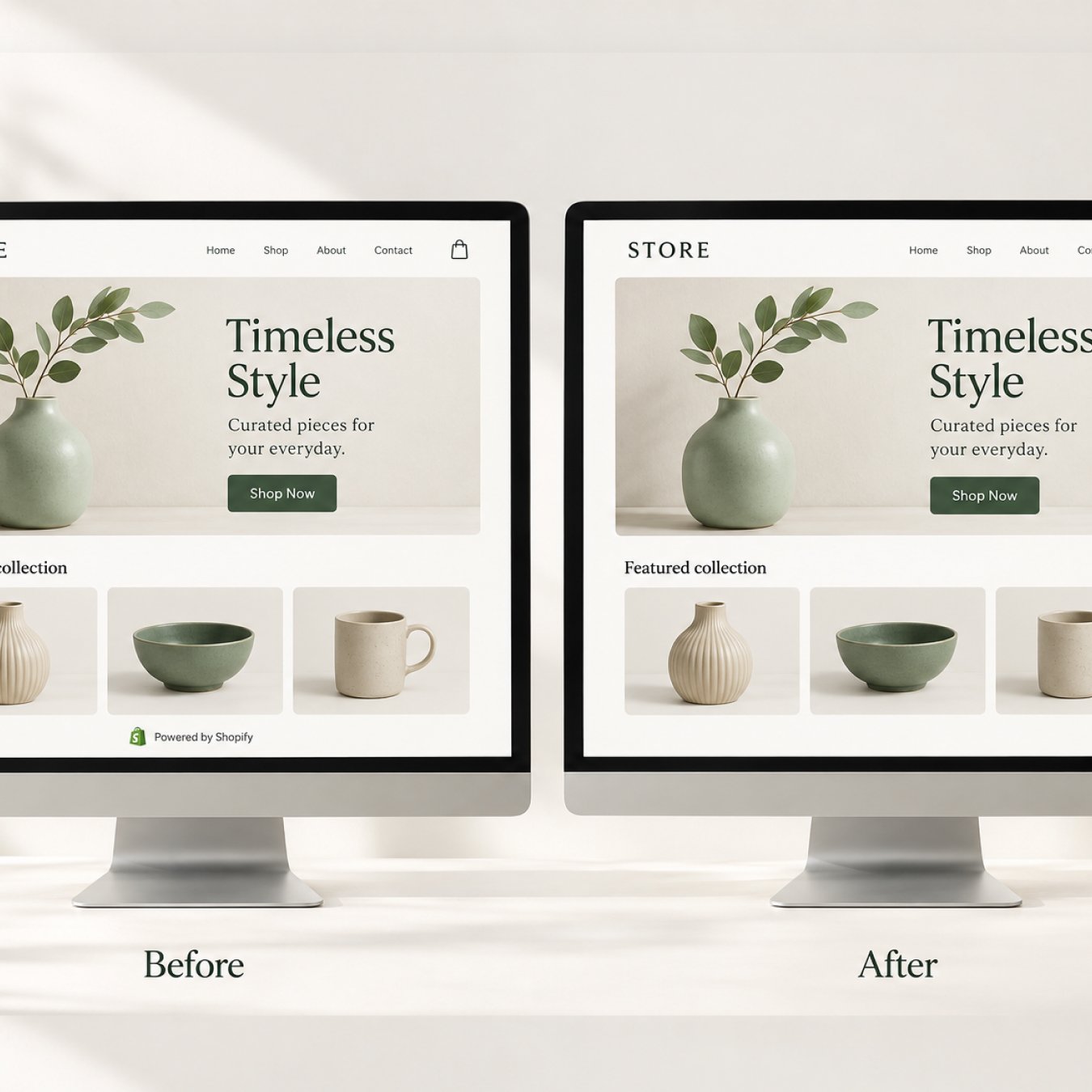
You can remove “Powered by Shopify” through your theme’s default content settings. Start with this no-code option, then use the code fallback below if the credit remains visible.
At Create Circus, we treat this as a small finishing detail in a wider storefront review. A thoughtful footer should help customers find useful information and feel consistent with the rest of your brand.
How to remove Powered by Shopify without code
- Open Online Store → Themes in Shopify.
- Open your chosen theme’s three-dot menu and select Edit default theme content.
- Search for powered.
- Enter a single space in the Powered by Shopify field.
- Save.
For a private store’s “Opening soon” page, repeat the space-and-save step in Powered by Shopify HTML.
On mobile, open the Shopify app’s menu, then Sales channels → Online Store → Manage all themes. Use the theme menu to reach the same content settings.
Code fallback if the message remains
Duplicate your theme before editing code so you have a reference copy.
- Open the theme menu and select Edit code.
- Open Sections → footer.liquid.
- Find and remove this Liquid output:
{{ powered_by_link }}Save, then check the storefront. If your theme’s structure differs, ask its developer where the credit is rendered before changing unfamiliar code.
These methods follow Shopify’s official instructions for removing the message.
What to check after making the change
Before considering the task complete, review the actual customer-facing store. A saved setting is only one part of the check.
- Confirm the theme: make sure the version you edited is the one you are viewing.
- Open a fresh preview: check the storefront in a new browser tab or private window.
- Review desktop and mobile: look for awkward gaps, alignment changes or footer links wrapping poorly.
- Check the password page separately: include it in your review if the store has not launched.
- Review other languages: if the store is multilingual, inspect the footer in each customer-facing language.
If the credit still appears, note the page, language and theme where you see it. That gives your developer a specific issue to investigate instead of repeating changes across the store.
What should replace the footer credit?
Our preference is to keep this area simple. Removing a line of text does not create an obligation to fill the space.
A useful footer gives customers clear routes to the information they need. Depending on your store, that might include:
- Contact details and customer support.
- Shipping and returns information.
- Links to your store policies.
- Relevant social profiles.
- A concise copyright line with your brand name.
Review the hierarchy as well as the content. Important support links should be easy to find, and secondary information should not compete with the main shopping journey.
How much difference does this change make?
We would treat removing the credit as a branding refinement, rather than set a sales or search-ranking target around it.
For a broader improvement project, our review would also cover navigation, product information, mobile usability and the clarity of delivery and returns details. Those areas deserve attention before spending hours polishing a single footer line.
Our guide to Shopify themes is a useful next read if you are considering a wider storefront refresh.
Frequently asked questions
Should I remove the credit before launching?
Include it in your launch checklist if a fully branded footer is part of your design. We would check it alongside footer navigation, support details, policy links and mobile spacing.
Should I add payment badges in its place?
Only where they provide useful information and accurately reflect the payment methods you offer. Our preference is for a restrained footer, with every element serving a clear purpose.
What if I do not feel comfortable editing theme code?
Use the content-settings method first. If that does not resolve the issue, send your theme developer the page URL and a screenshot showing where the credit remains.
What should I ask a developer to check?
Ask them to locate the source of the remaining credit, remove it from the relevant template and review the result on desktop and mobile. Include the password page and additional languages where applicable.
Let’s talk about your store
Want a more considered Shopify storefront?
Create Circus helps ecommerce brands refine their Shopify experience through design, development and practical UX improvements. Whether you need a focused adjustment or a wider review, we can help define the right scope.